In order for me to be able to get the correct shots that I needed for my final image, I hired out a tripod and a 50 mm lens. The tripod allowed me to position the camera at the same height as me and have it remain steady.

Using the grid system on the flip screen, i positioned my feet so that they matched the corners of the centre box, this way, it allowed me to know how to get the correct position and distance between both locations. The 50mm lens allowed the camera to focus on me and add a soft blur to the background which was the desired effect I wanted.

After figuring out where I needed to position myself, I used the self timer to take the shot. This took a few attempts to get the timing correct and the position of my body in the right place. I then moved onto the bag contents part. I wanted to go with a grid system and tried to evenly weight the section so that the bigger items were together. This would add more balance to the final image.

I then repeated this entire process in the next location, which was on Southsea beach.
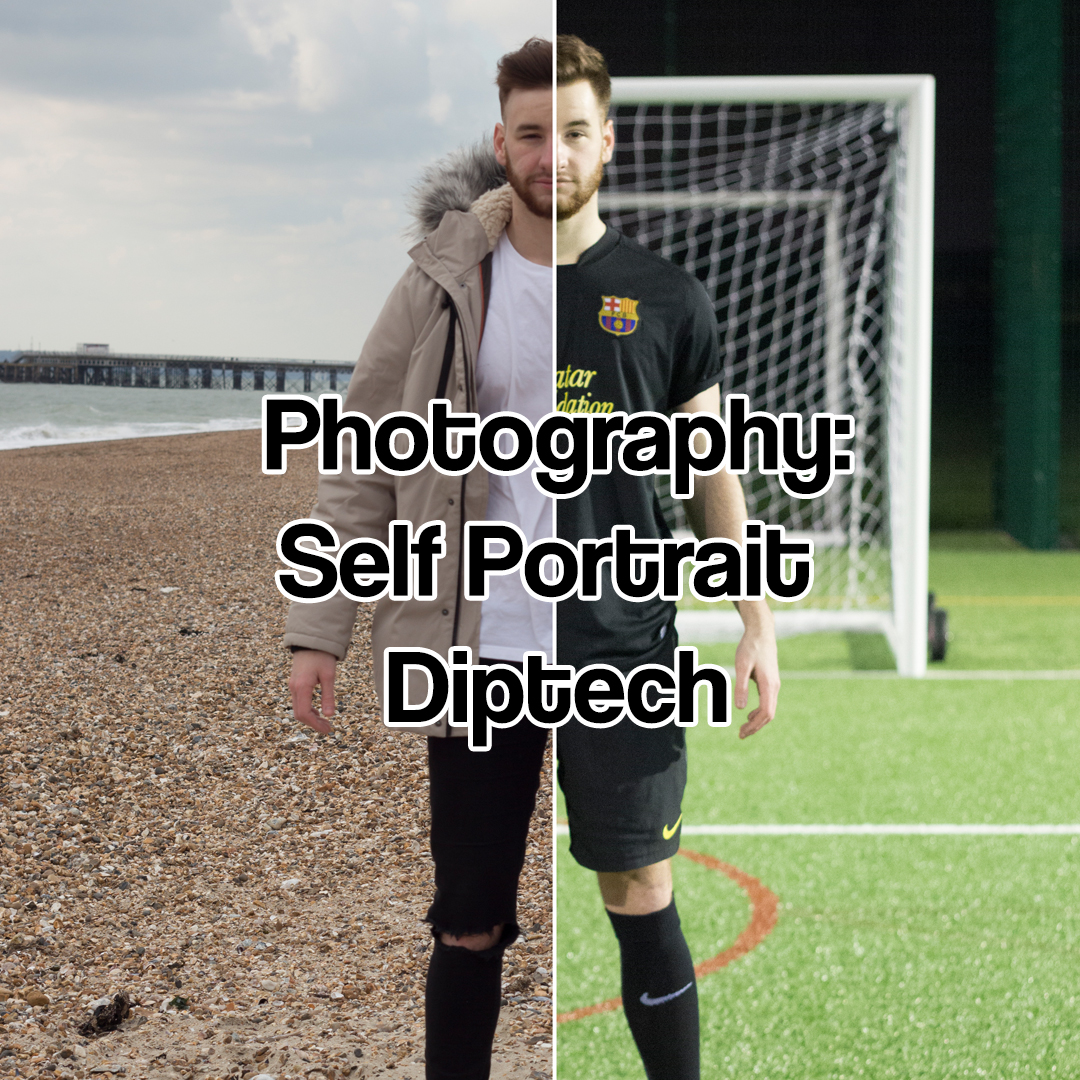
After collecting all of the required images, I opened them up into Adobe Photoshop and began to compile the final image. I started with one of the shots from the football pitch.

Using the selection tool, I split the photo down the middle by the nose. This would allow me a good point of reference to match the two photos together.

I then repeated this selection for the other side of the image.

I then tried to align the two images together as best as I could and added a white background. This would apply borders to the images and make them stand out more.

I then took the photos of the bag contents and positioned them in align with their counterparts.

After adding a white rectangle layer to cover the lines between the photos, I had my final image.


